



Use AI to summarise this article
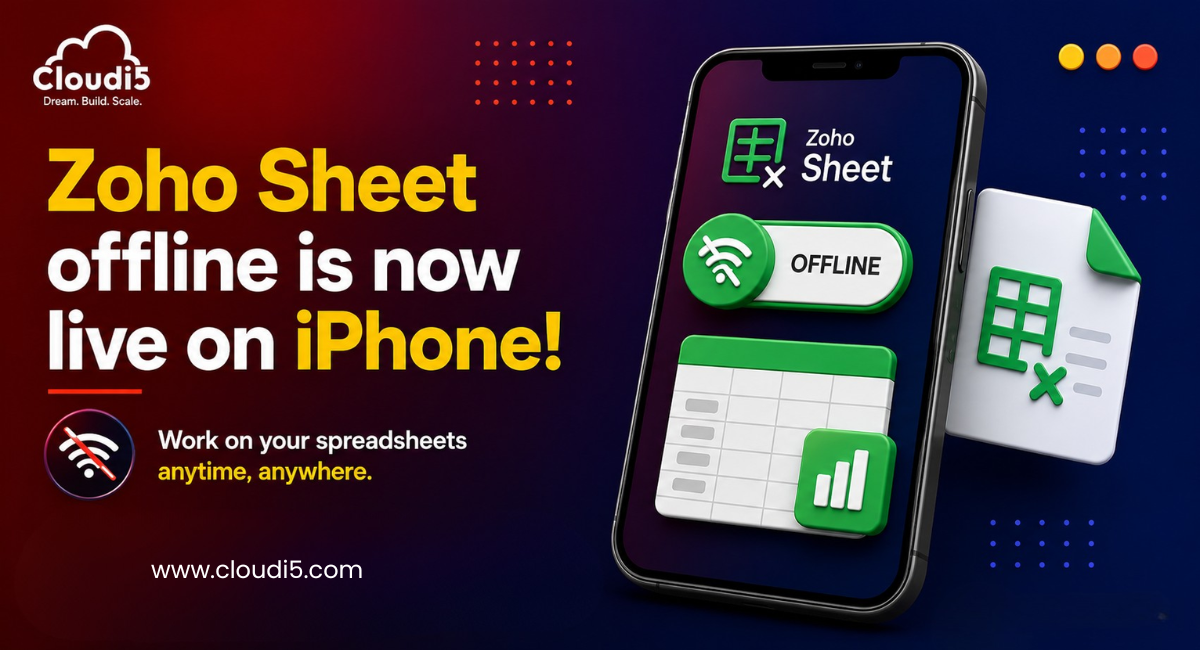
The Zoho Sheet Offline mode for iPhones is here now, enabling one to make and modify spreadsheets even without being connected to the internet. Everything you have done offline will be synchronized to the cloud once you get an internet connection. This will greatly increase the productivity of anyone who uses spreadsheet applications for their daily tasks.
Why This Update is Important ?
The majority of people utilize spreadsheets throughout their day-to-day activities in order to keep track of sales, inventory, budget, attendance, and the status of ongoing projects. Lack of connectivity may cause important tasks to be stalled.
Offline Mode allows users to:
-
Work wherever they want
-
Minimize downtime because of bad connectivity
-
Increase productivity when traveling
-
Prevent loss of unsaved work
-
Stay focused without having to wait for the connection
This update solves a common problem in the simplest way possible.
Key Features
1. Edit Spreadsheets Without Internet Connection
You can open and edit existing spreadsheets, change data and formulas, and continue working without Internet connection.
2. Automatic Synchronization
All offline changes will be automatically synchronized when you are connected to the Internet again.
3. Creating New Spreadsheets
Offline mode not only enables you to edit existing spreadsheets but also allows you to create new spreadsheets and synchronize them with your account later.
4. Secure Local Storage
All your spreadsheets are stored locally until the synchronization process is completed.
5. Smooth Collaboration
Offline mode does not provide collaboration possibilities as it requires Internet connection. However, your changes made while offline will be automatically synchronized.
How to Use Offline Mode?
Using Offline Mode in Zoho Sheet is speedy and easy to use on an iPhone. Follow these simple steps:
Update Zoho Sheet
Make sure that you have the updated version of the Zoho Sheet application downloaded from the Apple App Store since Offline Mode comes with the updated version of the app.
Open Spreadsheets While Connected to the Internet
Before going offline, make sure that you have opened the required spreadsheets. This way, the required file versions will be saved on your iPhone.
Work Offline
When offline, you can keep working with spreadsheets, editing them, changing their content, or creating new spreadsheets.
Reconnect to the Internet
Once your iPhone is connected back to the Internet, just launch Zoho Sheet to sync the pending changes.
Automatic Sync
Zoho Sheet will automatically upload your offline changes to the cloud to make sure that your latest changes are always updated. In addition to that, this automatic process of syncing also ensures that your documents are always up-to-date for all collaborators working on the same spreadsheets.
Offline mode allows you to work anywhere without any worries of losing your work due to a poor internet connection.
Tips for Getting the Best Offline Experience
For the effective use of the Offline Mode of Zoho Sheet, follow the following guidelines:
-
Before disconnecting from the internet, open the spreadsheets that you want to work on.
-
Always keep the application up-to-date to have all the latest functionalities and fixes.
-
Regularly reconnect to the internet in order to synchronize the modifications.
-
Before making any modifications on some other device, check synchronization.
-
In case you travel a lot, enable offline access for the most used files.
Who Benefits the Most?
Offline mode is beneficial for various professionals such as:
-
Sales executives visiting their clients
-
Business owners managing expenses
-
Accountants handling financial information
-
Project managers updating their reports
-
Students completing their assignments
-
Field technicians collecting information
-
Travelers and remote workers
Regardless of where you are, whether in a bus, plane, or remote places, you will not need the internet to be productive anymore.
Why Businesses Should Pay Attention?
Companies use more and more mobile productivity solutions. They have employees working away from the office, participating in meetings, visiting clients, or traveling around different offices. Being able to work offline is essential because it guarantees no disruptions in work, which increases productivity and responsiveness. If a company uses the Zoho ecosystem, the latest update helps to increase mobile productivity even more.
Conclusion
However, Offline Mode in Zoho Sheet for iPhone brings far more than just another improvement. With Offline Mode, Zoho provides users with an opportunity to work on spreadsheets offline. This means that now one can easily create and edit spreadsheets anywhere using an iPhone even in the absence of the Internet.
If you are a businessman checking some business reports, a sales representative managing information about customers, or a student working on their assignments, Zoho Sheet Offline Mode will help you to be productive without losing any time or wasting your efforts on looking for a stable connection.
With the development of a mobile-first approach to work, features like offline access become crucial for productive work. If you are using Zoho Sheets on iPhone, then updating your application to the newest version will be the easiest way to improve your experience.