



Use AI to summarise this article
Instagram and Facebook now work as real storefronts for startups. A shopper can see a product, tap it, and complete the purchase without ever leaving the app. At Cloudi5 Technologies, we help startups turn this feature into a genuine sales channel. Selling through social media works well when the shop is set up properly. Most founders simply are not aware how.
That's what this post is about — the practical side of social commerce, and how startups can turn Instagram and Facebook into channels that actually work equally to traditional E-commerce stores. We'll walk through the setup, the setup that works, and the small mistakes that quietly cost founders.
What Social Commerce Really Means?
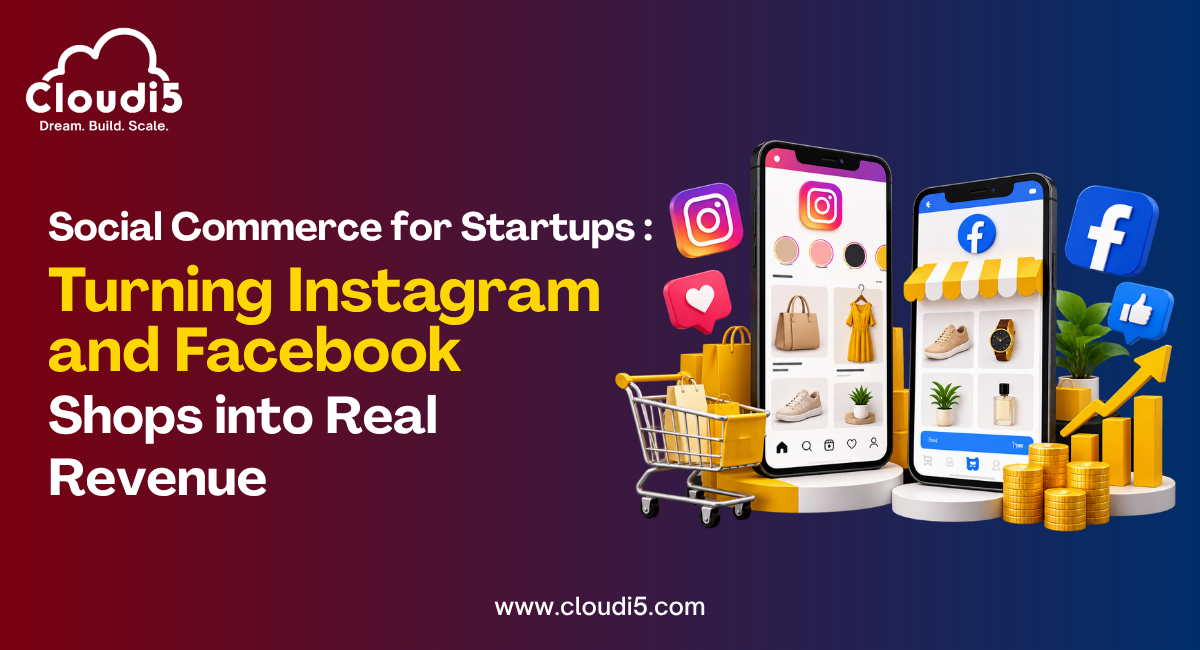
Social commerce is the new place to sell products directly inside a social media app without sending the customer to an outside website. A person scrolling through Instagram can tap a product tag, see the price, and buy it right there. No separate app, no long checkout form, no extra steps.
For startups, this matters a lot. Building and maintaining a full e-commerce website takes time and budget. Social commerce lets small businesses start selling almost immediately, using platforms customers already spend hours on every day. It's not a replacement for a proper website in the long run, but it's a strong starting point, especially in the first year.
Think of a clothing brand run by two founders out of a small workspace. They don't have the budget for a custom website with payment gateways and inventory software. But they can list every product on Instagram, tag it in their posts, and take orders the same day. That's the entire appeal of social commerce for startups — low cost, fast setup, and customers who already exist.
Setting Up Your Instagram Shop the Right Way
Instagram Shopping only works well when it's set up completely from the start. A lot of startups skip steps and wonder later why the shop looks incomplete or the tags don't show up.
Here's what actually matters:
-
Your Instagram account needs to be a business or creator account, connected to a Facebook Page.
-
Your product catalog should be uploaded through Meta Commerce Manager, with clear photos, accurate prices, and correct stock numbers.
-
Every product should have a clear description. Incomplete titles like "Item 1" or "New Arrival" hurt both sales and search visibility.
-
Product tags should be added across posts, Reels, and Stories on a regular basis, so shoppers keep discovering them.
Getting the Instagram Shop setup right the first time saves a lot of time and fixes back-and-forth later. We've fixed more broken catalogues, and the fix is usually simple once pointed out.
One thing founders often forget is checking their shop from a customer's point of view, not from their own admin panel. Prices, images, and stock status can look fine on your end and still show errors to a buyer. A quick weekly check from a regular customer account catches most of these issues early.
Facebook Shops: A Channel Many Startups Skip
While most startups put their energy only on Instagram, Facebook Shops often gets ignored completely. That's a missed opportunity. Facebook still has a large, active user base, especially among people in their 30s and above who tend to have more spending power.
Setting up a Facebook Shop for small business use is straightforward once your catalogue is already built for Instagram, since both run through the same Meta Commerce Manager. The bigger win is that Facebook Shops can also connect with Messenger, so customers can ask questions and complete a purchase in the same conversation. That single feature has helped several of our clients close sales on a regular basis.
If you're already running ads on the platform, it's worth reading our post on Meta Ads strategy changes for 2026 to see how paid campaigns and your shop should work together.
A lot of founders assume Facebook is only useful for older audiences and skip it entirely. But even a small, well-organised Facebook Shop adds another place for customers to find and trust your brand, especially when they see the same products listed consistently across both platforms.
Content That Actually Sells
A shop only works if people find the products naturally, while scrolling, not while searching. This is where quality content and social commerce meet.
Shoppable posts perform best when they don't look like ads. A short video showing the product in real use, a quick unboxing clip, or a customer using it in daily life tends to outperform a plain studio photo with a price tag. Founders often assume they need expensive equipment for this. They don't. A phone camera, good lighting, and a clear view of the product are enough to start.
If your team is managing this without a big budget, our earlier post on free tools for social media marketers covers apps that help with editing, scheduling, and basic design work at no cost.
Consistency matters more than perfection here. Posting a decent shoppable post three times a week beats posting one polished video every few weeks.
Customer review photos and videos help too. When a real buyer posts about your product and you repost it with a tag, it builds trust faster than anything the brand posts on its own. Most startups have this trust signals sitting in their gallery already, unused.
Common Mistakes Startups Make with Social Commerce
As a Digital marketing company, we've reviewed lots of startup shops over the years, and the same mistakes show up again and again.
-
Treating the shop as a one-time setup instead of updating it regularly.
-
Ignoring comments and DMs, which often contain real buying questions.
-
Using product photos that don't match what actually gets delivered.
-
Running ads to a shop page that still has broken links or missing prices.
Fixing these doesn't require a big team or budget. It requires someone to check the social commerce shop weekly, the way you'd check a physical store's stocks. Most of these issues get ignored simply because nobody on the team owns the task, so it helps to assign it to one person.
If your startup needs a broader strategy around this, our digital marketing services in Coimbatore cover exactly this kind of ongoing campaign management.
Where Social Commerce Is Heading in 2026 ?
Social commerce trends in 2026 point toward shorter videos, faster checkouts, and more in-app payment options. Platforms are pushing brands to keep the entire buying journey inside the app itself, from the first view to the final payment.
Video is playing a bigger role in this shift. If you haven't already, it's worth reading our guide on Reels and Shorts strategy for small businesses, since video content and shoppable tags are becoming closely linked. A well-made Reel with a product tag can now do the job that used to take a full ad campaign.
Startups that treat their social commerce store as an active part of the business, not an additional feature, tend to see steady growth from this shift.
We're also seeing more startups use live selling clips, where a founder or team member hosts a short live video showing products while viewers buy in real time. It takes some time getting used to it, but the ones who try it early usually build a loyal, regular audience faster than those who wait.
Conclusion
Social commerce isn't a future trend to watch from a distance. It's already how a large number of customers are discovering and buying from brands right now. Businesses that set up their Instagram and Facebook Shops properly, keep their content honest and consistent, and treat the shop as a living part of the business tend to see real, steady revenue from it.
If you'd like help setting up or fixing your social commerce presence, get in touch with our team at Cloudi5 Technologies, where we work with brands and startups on exactly this. Feel free, and we'll walk you through what your brand needs.
Frequently Asked Questions
Social commerce means selling products directly inside apps like Instagram or Facebook.
2. Does Cloudi5 Technologies help startups set up Instagram and Facebook Shops? Yes, as a digital marketing company, Cloudi5 Technologies works with businesses to set up and manage social commerce.
A website isn't required to start, but it helps long-term for branding, trust, and reaching customers beyond social platforms.
Setting up a Facebook Shop is free. Costs only come in if you choose to run paid ads.
Cloudi5 Technologies has over 8 years of experience and has worked with more than 250 clients across various industries.
No, Instagram Shopping requires a business or creator account connected to a Facebook Page and product catalog.
Platforms restrict certain items like alcohol, weapons, and some health products, following each platform's commerce policies.
Weekly updates work best, especially for stock levels, pricing, and removing products that are no longer available.
Cloudi5 Technologies works with startups and established businesses across manufacturing, real estate, healthcare, and retail sectors.
No, service-based businesses can also use shoppable posts to sell bookings, consultations, and digital packages.